
Introduction
If you're on Sitecore XP, you might have already been considering your next steps. You may have heard about SitecoreAI and thought that it's time to switch to the new platform. Switching CMS is not an effortless decision. It may affect your website, content, integrations, marketing works, as well as the way your team functions on a regular basis.
So, should you migrate from Sitecore XP to SitecoreAI? Or would it be okay to improvise your present setup and continue using it for another few more years? The answer to this question is basic on your existing site, business requirements, and future plans. Not a single solution is there that will fit every other organization. In this blog, we will try to understand the differences between the choices, what you should think about before choosing Sitecore Migration or Modernization services, and the direction you should take when starting your business.
Why Are Businesses Considering SitecoreAI?
For many years, many businesses have been in the use of Sitecore XP. It's the foundation of their website; the technical team knows how to leverage it, and they have existing integrations that work for them.
So, why consider relocating from it?
In some situations, the existing configuration might be getting too hard to deal with. In some, the company might need to change something that is more easily supported in an alternate architecture.
Here are a few more common ones.
Your Sitecore XP setup becomes hard to manage.
If you are having trouble managing your setup, you should definitely consider changing it.
As time goes on, a Sitecore XP implementation can become more complex. Even simple modifications can take longer than expected because of custom features, integrations, older code, and multiple environments.
For example, your marketing team might have an idea to build a new landing page or a new campaign, but this procedure has some testing and the involvement of your developers. If this occurs regularly, it may be necessary to see if your system is still suitable for the requirements.
You Wish to Reduce Infrastructure Management time
If your team is doing this using the conventional method, then you might need to take care of hosting, upgrades, and infrastructure.
With a cloud-based SaaS model, Sitecore manages the interface and its updates.
This can save your team some of the maintenance effort that they do.
But it doesn't mean that all technical requirements are gone. You will still have to oversee the improvements to your website, integrations, content, and implementation of your team.
Your business needs are Growing
Your website might be designed for a different phase of your company. These days, you might need to maintain more websites, new markets, different customer journeys, or quicker campaign launches.
If you're on an existing platform, and these changes are hard to accomplish, then it may be time to look at alternatives.
You Need a Platform Ready for Future Growth
Technologies are frequently changing, and your CMS should follow where your business wishes to go.
When carrying out a large-scale digital transformation, it is logical to consider if there is a platform that can support this.
However, moving to the latest platform just because it is new is not the justifiable reason to migrate. The first step is to detect what you'd like to improve and if a migration will help you do it.
Sitecore XP vs. SitecoreAI: What Is the Difference?
The main distinction is not only where your website is hosted. The platforms follow distinct outlooks to build, manage, and maintain enterprise digital experiences.
Sitecore XP is a well-established platform that many of the organizations use for content management, personalization, analytics, and marketing tasks.
SitecoreAI is a cloud-native SaaS platform designed to help organizations manage and deliver digital experiences without leading the basic platform infrastructure in the same way as traditional deployment.
Here is a simple comparison.
Area | Sitecore XP | SitecoreAI |
|---|---|---|
Platform model | Traditional platform that can be self-managed or hosted | Cloud-native SaaS platform |
Infrastructure | Infrastructure and environment management depend on your hosting setup | Sitecore manages the underlying SaaS platform |
Updates | Planning and applying updates depend on your implementation and hosting model | Platform updates are managed by Sitecore |
Customization | Existing implementations may contain extensive custom code and integrations | Architecture and customization need to fit the new platform |
Marketing features | Existing personalization & analytics skills depend on your implementation | Capabilities differ, so you need to check how your current needs will be supported |
Migration effort | No migration is needed if you stay on your present platform | Moving needs planning for content, integrations, data, & functionality |
One important point: SitecoreAI is not simply Sitecore XP moved to the cloud. The design is different, so moving to SitecoreAI demands more planning than changing the hosting environment.
This is why it is important to validate your existing implementation before deciding what to do next.
Should you continue with Sitecore XP, modernize, or migrate?
There are three different alternatives to take into account. Each one is applicable at a different time.
Move from Sitecore XP to SitecoreAI
Sitecore Migration can be an option if your business would like to shift to a SaaS (Software as a Service) platform, and it may be that your existing setup is not optimal to the plans you have for the future.
Suppose you have multiple websites in various markets in your organization. Your team desires to make the platform less difficult to take care of, improve website control, and provide marketers with more flexibility. In this case, you might want to consider SitecoreAI. However, before you make a decision, you'll need to figure out what it entails to relocate.
Your current site can have custom elements, third-party integrations, personalization rules, analytics data, and more that have been created in a few years.
It is important to find out what can be reused, what must be rebuilt, and what might need a different strategy.
Sitecore Migration services should be considered when:
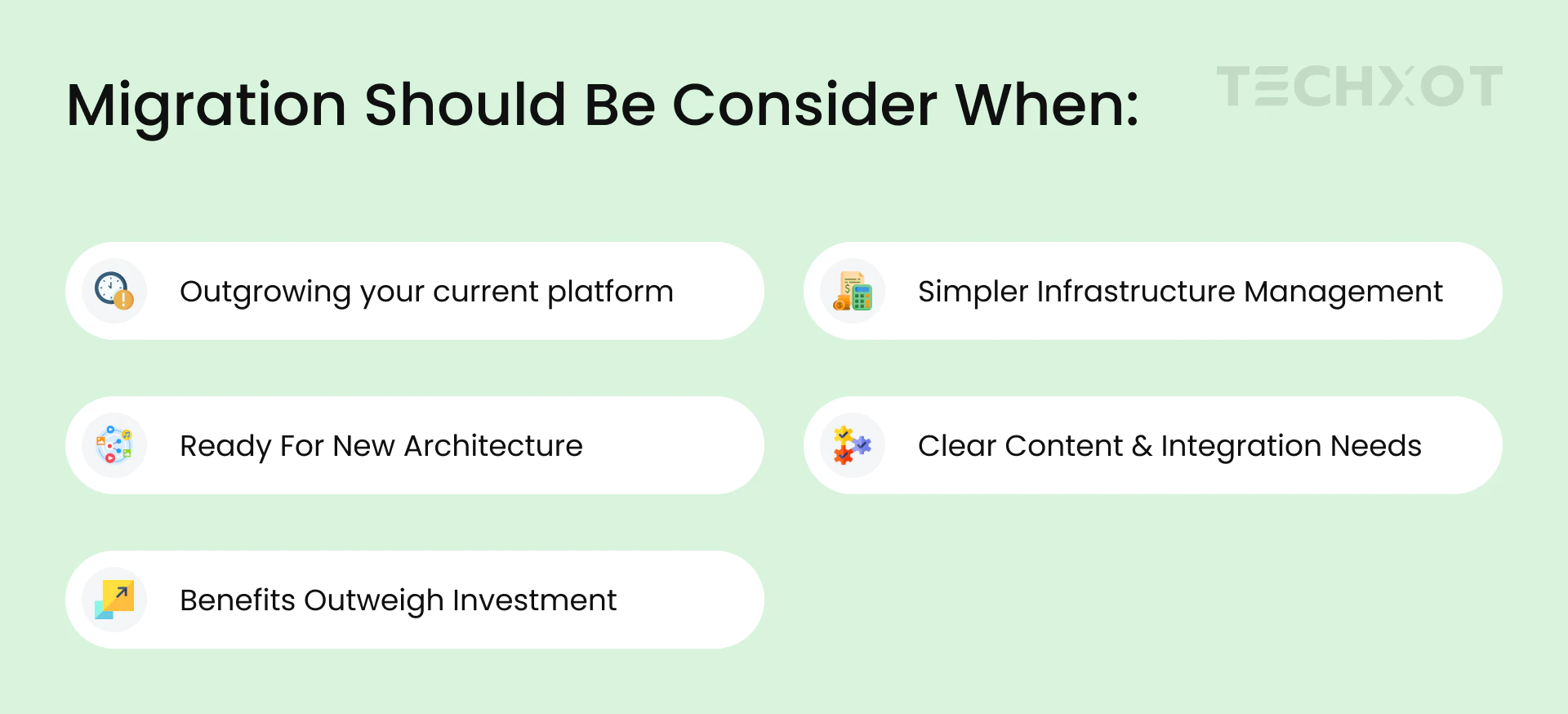
Upgrade an existing Sitecore XP implementation to a modern one.
It's not always necessary to relocate to a different platform to enhance your website. If that is the case, it may be the structure and maintenance of your current implementation.
For instance, the business needs of your website can still be met, but the code has become hard to maintain. There could be some integrations that need improvement, or your team might be having trouble making quick releases.
In this instance, it might be more sensible to upgrade your current setup in the first place.
This might involve cleanup of custom code or enhancements to it, performance optimizations, integration audits, deployment simplification or enhancements of portions of the solution that are problematic.
The goal is to simplify and expand the use of the current platform.
When it comes to Sitecore modernization, it can be a viable solution when:
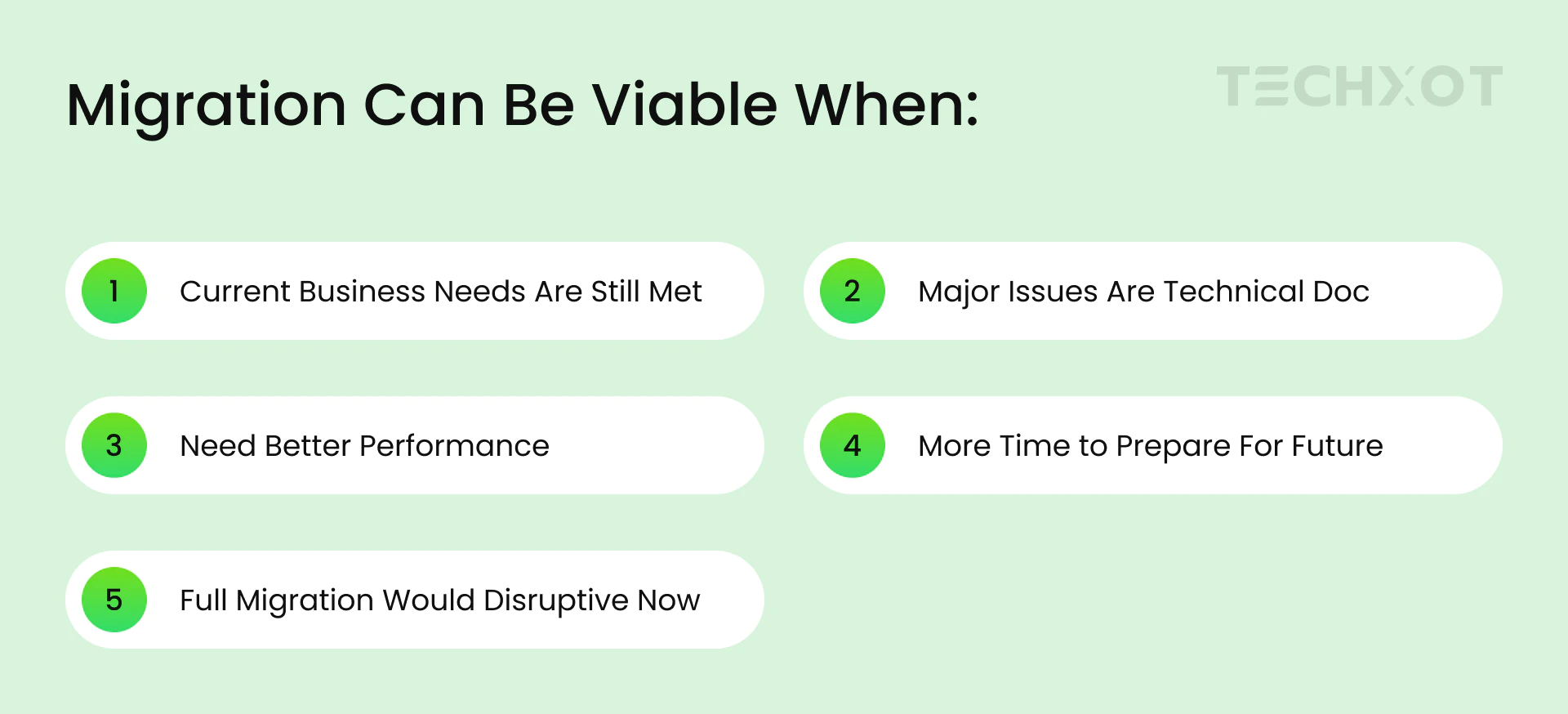
Modernization isn't a reason to overlook future platform decisions. It can assist you in enhancing this scenario and planning ahead.
Continue Sitecore XP for the time being
In some cases, it is best to be on your existing platform.
If your website is stable, you have a team to manage it well, and it still serves your business requirements, it may not be immediately necessary to make a move.
You, for instance, might have just completed an investment in enhancing your Sitecore XP implementation. A Sitecore migration service at this point may lead to greater expense and time consumption with little extra benefit received.
If so, it might be wise to be on your current configuration and monitor support needs, security, maintenance expenses, and roadmap.
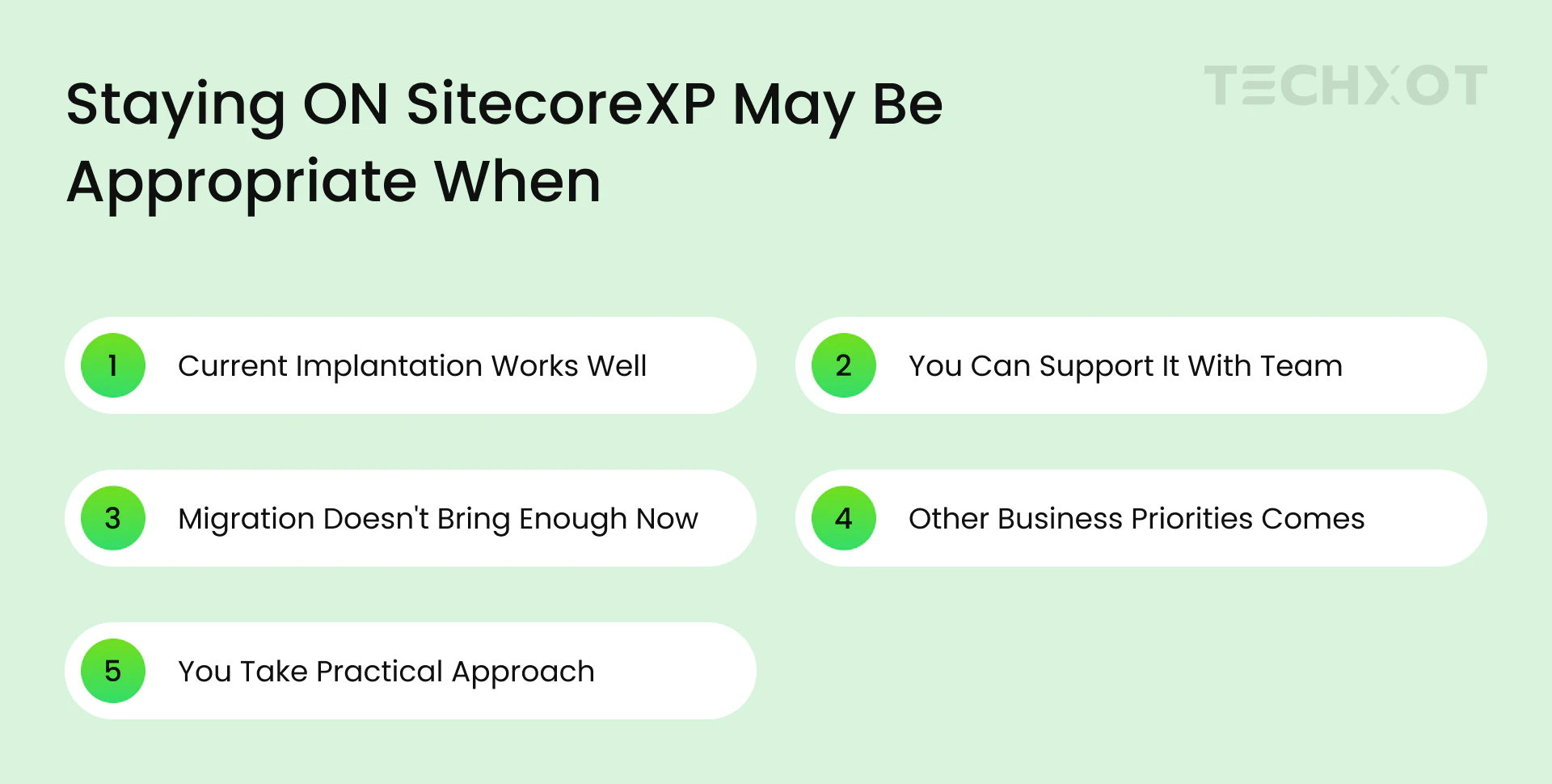
Review existing support, security, design, and maintenance requirements. Additionally, verify the appropriate product lifecycle and support dates with Sitecore before committing to a long-term solution.
Evaluate Your Existing Setup First
See these five points before choosing one of the Sitecore Migration or Modernization services.
Current Architecture
See your Sitecore version, custom code, integrations and maintenance needs. This will help you understand if your existing platform can be upgraded or replaced.Website content and structure.
Conduct audit on content, media, templates and components for what to migrate, remove and/or redesign. Don't drag a legacy of content and legacy of issues with the new platform.Personalization and Analytics
Understand personalization rules, customer info, analytics, and marketing skills that you use. Figure out how they will be regenerated, migrated or replaced in the new environment.Integrations
Specify critical integrations, such as CRM, analytics, marketing automation, search and commerce. Ascertain what needs to be changed, redesigned, or replaced.Team Readiness
Review and assess team technical skills, training needs and prepare them for new workflows. Make sure necessary staff are on hand, and the switch can be made without disturbing vital business operations.
Ask yourself a few Questions
- Does the team understand the need for change?
- Are the right people available?
- Have training needs been identified?
- Can the changeover happen without disrupting business?
Successful Sitecore migration depends on both technical readiness and team readiness.
How to Choose the Right Approach
Compare your business needs against these three options:
Key question | Recommended approach |
|---|---|
Is technical debt making maintenance difficult? | Consider modernization |
Does Sitecore XP still meet your needs? | Consider staying on XP for now |
Do you need a new platform model supported by SitecoreAI? | Assess migration |
Do you depend on existing personalization, analytics, or integrations? | Take a detailed assessment |
Are migration costs and effort unclear? | Begin with a discovery assessment |
These are the suggestions and not the rules. Consider price, risks, support needs, and future business goals when deciding.
Assess the Total Cost
Migration- Discovery, redesign, data transfer, integrations, testing, training, and ongoing costs.
Modernization- Improving the existing platform and long-term maintenance.
Take a long run thought of the investment of each option rather than just focusing on the project costs upfront.
What Does a Sitecore XP to SitecoreAI Migration Includes?
When migration seems like a good choice, it is important to know how much work it demands. Normally, a Sitecore migration service starts by discovering and planning, not by moving content or coding.
Step 1: Evaluate existing Implementations.
Recheck Sitecore version, architecture, content, personalization's, integrations and marketing requisite. The idea is to get to know what you have now and where to focus for future.
Step 2: Define what needs to move
There will be some of the same functions that you are using on your current setup that you won't need on your new one. Determine key content, features, integrations and customer experiences to be preserved. Determine simplifications or omissions.
Step 3: Plan the new architecture
The new solution has to be built on another Sitecore architecture than the Sitecore XP, therefore SitecoreAI is not designed to be deployed on Sitecore XP. This covers reviewing your site's architecture, integration, and content management systems.
Step 4: Remodel and set-up the required functionality
Your current website may be usable in some areas and require reconstruction or modification in others. Personalization, analytics, and other marketing wants should be particular to your requirements and not obligatory to be included in your migration.
Step 5: Inspect the website before launch
Test content, steer integrations, performance, analytics, and important customer journeys before going live. Furthermore, your team needs to validate that the main business functionality is operating as expected.
Step 6: Inform your team and Publish
Make sure content editors, marketers, developers, and other contributors are all aware of this new system. Carefully plan the website to go live, monitor the website after it, and address any issues if you see.
This process of course will differ depending on the size and scope of your implementation. Some organizations might want to move to a greater size, and some might want to do a phased move, which can be accomplished in stages.
Common Mistakes to Avoid During Sitecore Migration
It is easy to get a few things wrong that can make a platform migration more difficult than it should be.
Moving to newer technology: Make sure it's for a business need.
If everything moves automatically: Analyze the content, data, custom code, personalization, and integrations.
Don't neglect users: include development, content, and marketing teams.
Minimizing the effort: Architecture, testing, training, and launch.
Oversight of support and maintenance: Assess XP support and maintenance requirements.
Conclusion
While moving from Sitecore XP to SitecoreAI could be the right solution for your business, it's not the only one.
In some cases, modernization can simplify your current implementation and help to keep it up to date. If it still works for you, then it may be a good idea to remain on XP for the time being. And if your business requires an alternate platform model, then migration could be a worthwhile effort.
It's key to know your current situation before you select a direction. First: check your website, identify the issues you need to address, and research the pros and cons of the solutions that are available. This will help you get a much better idea of what is suitable for your company.
As a Sitecore development company, we feel like it is best to understand what you are currently putting in place and what you'd like to accomplish with Sitecore. With that clarity, you can do planning according to business needs and not technology trends.