
Webhooks CMS: Enabling Real-Time Content Operations
The modern CMS are no longer just publishing tools. These CMS platforms support omnichannel delivery, headless architectures, search indexing, personalization engines, analytics, and extended business applications. These platforms have architectures that support webhooks since it is the core mechanism for real-time communication between systems.
The webhooks eliminate the inefficiencies of pooling APIs repeatedly for content changes for developers and technical teams. The CMS platforms for external services get notified instantly when a triggered event occurs. The webhook CMS architectures are more efficient and maintainable than traditional polling integrations while integrating frontend deployment pipelines, search infrastructure, personalization engine, or analytics.
This blog talks about how webhooks CMS function in CMS ecosystems, how they enable real-time content updates, and why are they critical for scalable digital experience architectures. In the modern era as the CMS ecosystems continuously evolve in the API-first architecture, webhooks are no longer optional; it has become the core integration capability for content operations today.
What Are Webhooks in a CMS?
A webhook is an event-driven HTTP callback which is triggered by a specific action in a CMS.
The CMS automatically sends the HTTP POST request, instead of external systems requesting continuous updates from the CMS. The HTTP POST request is sent when a predefined event like:
Content Publishing
Content updates
Asset uploads
Workflow transitions
Entry deletion
The application receiving payloads processes the request and performs downstream actions.
The typical webhook payloads;
Example of Typical webhook payload:
{
"event":"content.published",
"contentId":"article-102",
  "contentType": "blogPost",
  "timestamp": "2026-05-29T10:22:00Z"
}
This is an event-driven model that is widely accepted in headless CMS architectures, as it supports low-latency integrations and loosely coupled systems.
How webhook functions within CMS platforms
Most of the CMS platforms implement webhooks, using an event subscription model.
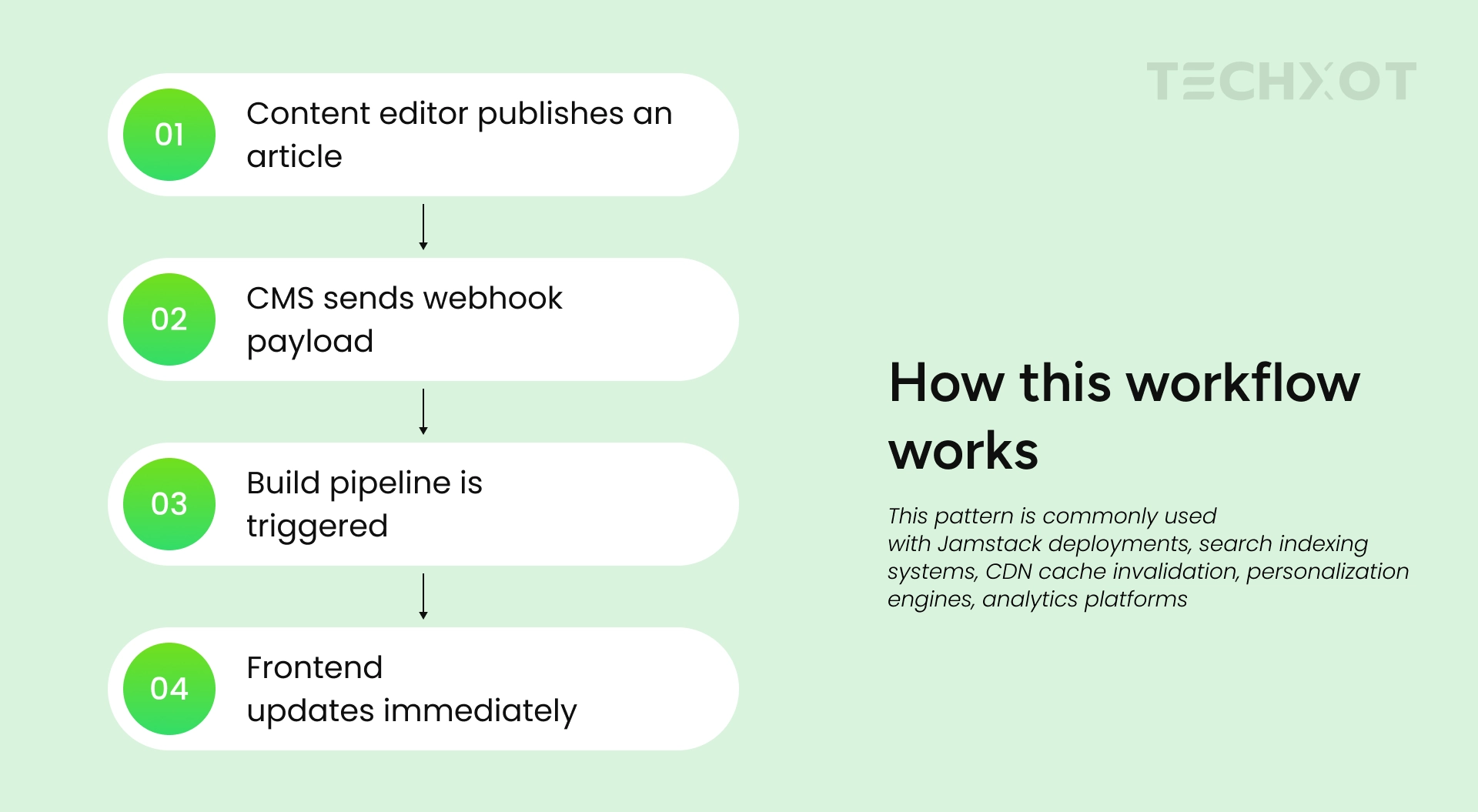
The workflows generally follow the following steps:
Content event occurs in the CMS
CMS detects the event
Then a webhook endpoint is triggered
The payload request is sent via HTTP POST
Receiving system processes the event
Understanding the fundamental webhook flow
Following are some of the common webhook-supported events that include:
Event Type | Use Case Example |
|---|---|
content.publish | Refresh search index |
asset.upload | Optimize media pipeline |
workflow.change | Notify approval systems |
content.delete | Remove cached content |
This type of architecture allows asynchronous communication between the downstream systems and the CMS platforms without direct API polling.
How Webhook Enables Real-time Content updates
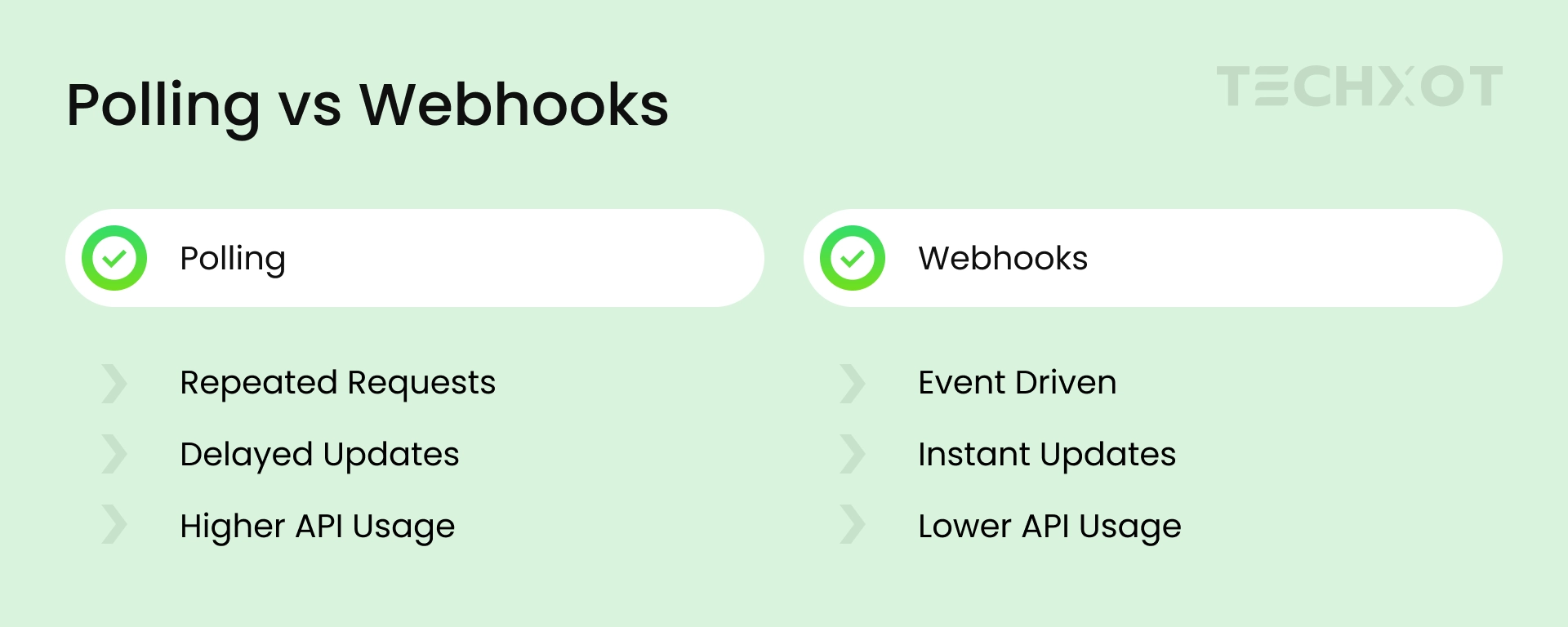
Real-time content synchronization is the most important advantage of webhooks in CMS ecosystems. The external systems will have to rely on scheduled polling without webhooks since polling introduces:
Unnecessary API traffic
Delayed updates
Higher infrastructure costs
Rate limited concerns
Webhooks help CMS platforms overcome these challenges by sending updates only when an event occurs.
Example: Rebuilding a Next.js Site After Publishing Content
const express = require('express');
const app = express();

app.use(express.json());

app.post('/webhook', (req, res) => {
  const event = req.body.event;

  if (event === 'content.published') {
    console.log('Triggering site rebuild...');

    // Trigger deployment pipeline
  }

  res.status(200).send('Webhook received');
});

app.listen(3000, () => {
  console.log('Server running on port 3000');
});
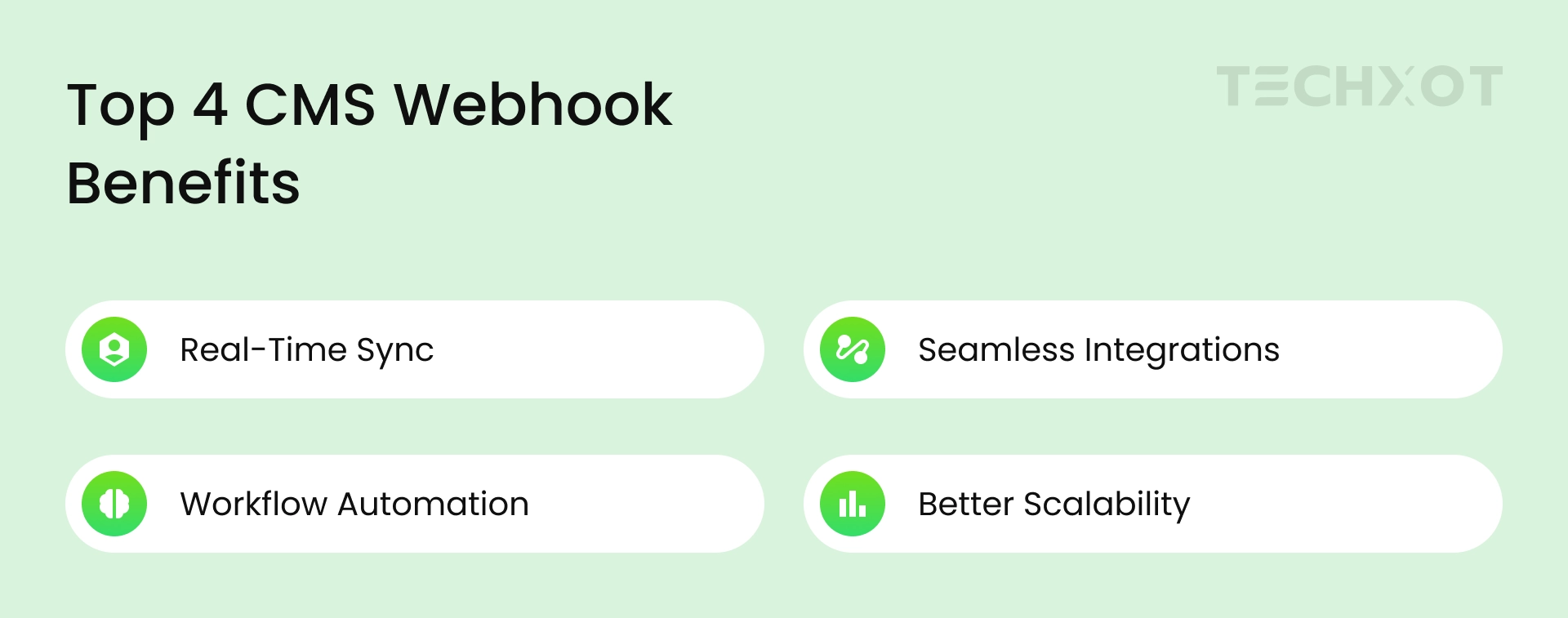
Benefits of using webhooks in CMS platforms
Real-time synchronization:
When content changes occur, the system immediately receives updates.
1. Real-time synchronization is a critical benefit for:
Headless commerce
Multi-channel publishing
Personalized experiences
Search indexing
2. Decoupled Architecture:
Webhooks supports decoupled architecture models, where the CMS platform does not need to understand downstream services; it only limits the events.
This enables these architecture models to improve:
Maintainability
Extensibility
Services isolation
Deployment flexibility
3. Automation capabilities:
Webhooks allow workflow automations like:
Triggered CI/CDP pipelines
Send slack notification
Update CRM records
Generate static pages
Invalidate CDN caches
4. Reduced API pooling:
Webhook systems don’t allow repetitive API requests. Which may include benefits like:
Lower API consumption
Reduce server load
Improved scalability
Low latency
5. Promising event-driven design:
Adoption of event-driven architectures in modern digital platforms is increasing. Webhooks provide a light mechanism for implementing event-based communication which doesn’t require any complex messaging infrastructure.
Which CMS platforms support webhooks
All most all modern CMS platforms support webhooks through extensions or natively.
Headless CMS platforms that support webhooks:
1. Contentful:
This CMS platform supports webhooks like entry publish/ unpublish events, asset processing events, environment specific webhooks.
They use typical use cases like:
Static site generation
Search indexing
Commerce synchronization
2. Strapi:
This headless webhook CMS allows customizable webhook support for:
Collection updates
User events
Media changes
Configuration code example:
module.exports = {
  settings: {
    webhook: {
      enabled: true
    }
  }
};
3. Sanity:
This headless CMS uses GROQ-powered content workflows that are integrated with webhooks for frontend deployments and external APIs.
4. Storyblok:
This webhook CMS supports triggers for:
Publishing events
Workflow transitions
Visual editor updates
Traditional CMS platforms
1. WordPress:
WordPress is a platform that supports webhooks through REST API integrations, plugins, and custom action hooks.
Example:
add_action('publish_post', 'notify_external_service');

function notify_external_service($post_ID) {

    $url = 'https://example.com/webhook';

    wp_remote_post($url, array(

        'body' => json_encode(array(

            'post_id' => $post_ID

        ))

    ));

}
2. Drupal:
While Drupal supports webhooks through event subscription, JSON integration, and contributed modules.
3. Sitecore:
Sitecore is a webhook CMS that supports event-driven integration for event handlers, webhook connectors, and integration frameworks. Some of the enterprise use cases may include marketing automation, personalization synchronization, and external DAM integration.
4. Umbraco:
Umbraco supports triggers like content publishing and unpublishing, content updating and deletion, media management events, and member activities.
Real-world use-cases:
Static site generation
Search index synchronization
CDN cache validation
CRM integrations
Umbraco is an API-friendly CMS that supports content flows and integrations in real-time for headless CMS architectures.
Webhook Security Best Practices
Webhook endpoints should always be protected and authenticated. This is why webhook CMS should follow recommended security practices like:
1. Validate Signatures:
CMS should send signed payloads for verification flow:
Example:
const crypto = require('crypto');

const expectedSignature = crypto
  .createHmac('sha256', SECRET)
  .update(payload)
  .digest('hex');
2. HTTPS:
Always encrypt webhooks traffic using TLS.
3. Retry handling:
Many times, webhook delivery fails due to network outage, timeouts, or temporary service failures.
Conclusion
Webhooks are the foundation of modern CMS integration strategies for headless and composable architectures.
These architectures support real-time content delivery, reduce polling overhead, and enable scalable event-driven systems. Teams that build modern digital experiences implement webhooks that automate and improve synchronization across distributed services.
As businesses adopt headless architectures efficiently, implementing webhook-driven integrations requires CMS expertise and clear implementation of understanding. We at Techxot help businesses enable scalable CMS integration strategies for real-time content operations.
At Techxot, we see webhooks more an integration feature that enables faster content delivery, reduces operational complexity, and more responsive customer experiences.